Step 01
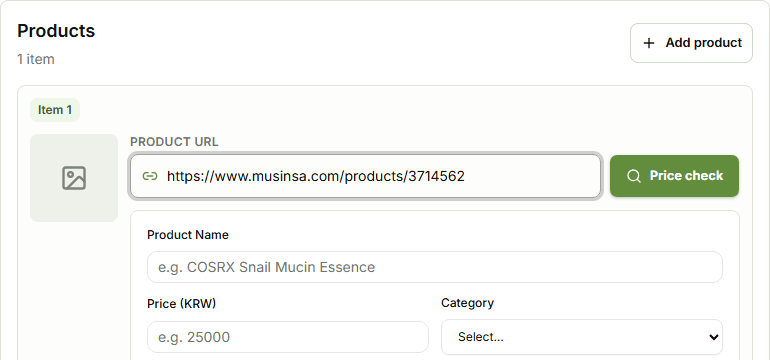
Paste the product URL.
Open Price Check and paste the Korean store product link into the Product URL field.
KoreaBox Guide
Use this when you have a Korean store product link and want to see the item cost and estimated shipping before ordering.
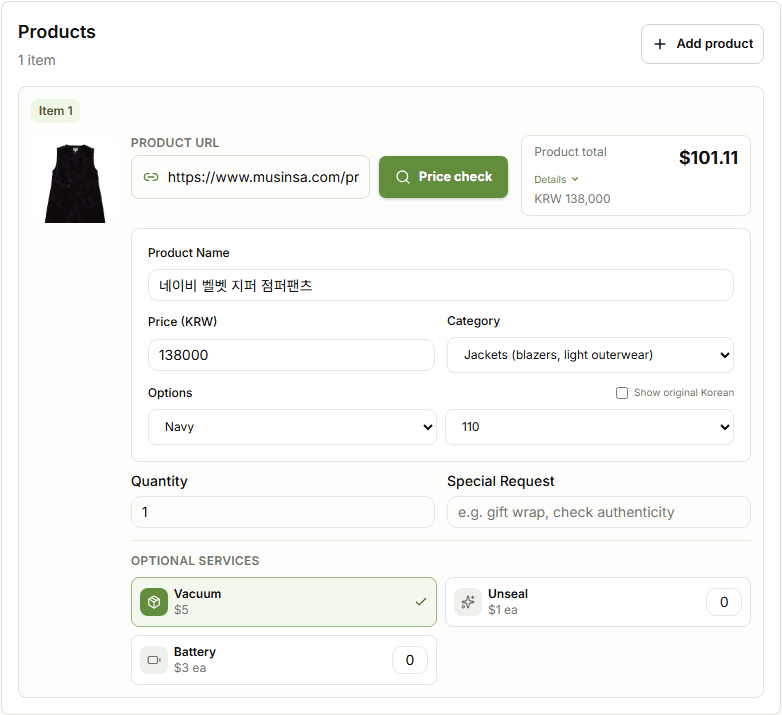
Step 01
Open Price Check and paste the Korean store product link into the Product URL field.
Step 02
KoreaBox tries to load the product information automatically so you can preview the order before payment.
Some Korean stores block external product lookup, so automatic price check may not work for every link.
Price check is a preview before payment. It is not a purchase confirmation.
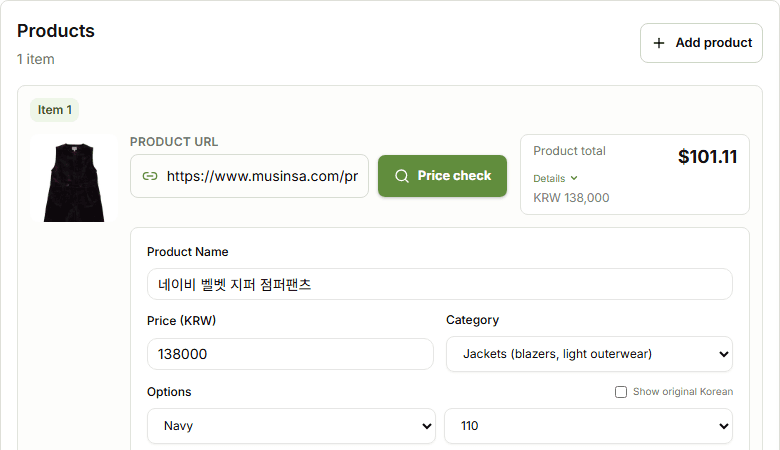
Step 03
Check the product name, product price, category, and selected options before continuing.
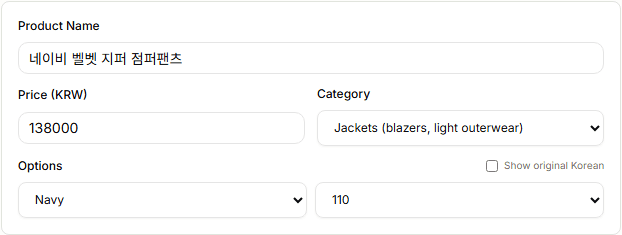
Step 04
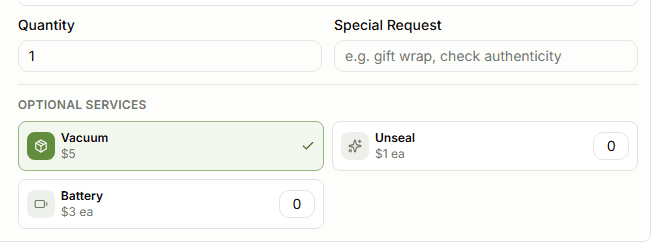
Select the item option and quantity, then add optional services only when you need them.
Step 05
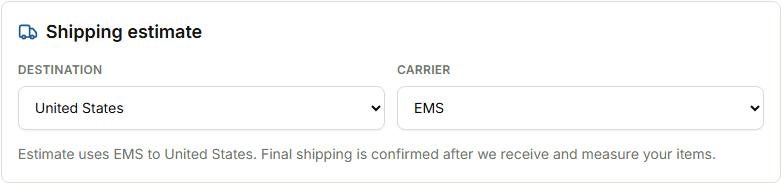
Select the destination country and shipping carrier so the estimated shipping can update before you continue.
Step 06
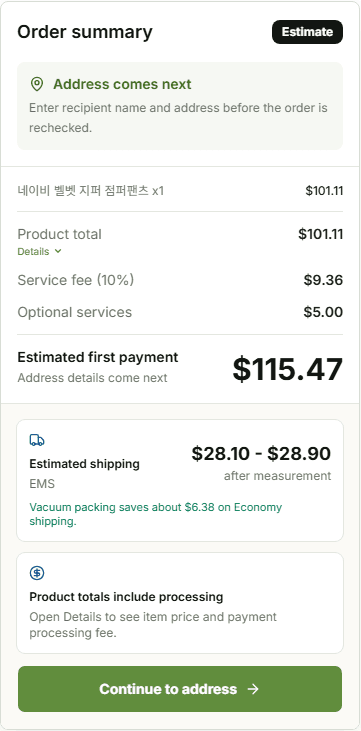
Review product total, service fee, estimated first payment, and estimated shipping.
Estimated shipping is not final. Final shipping is confirmed after KoreaBox receives and measures your items.
Step 07
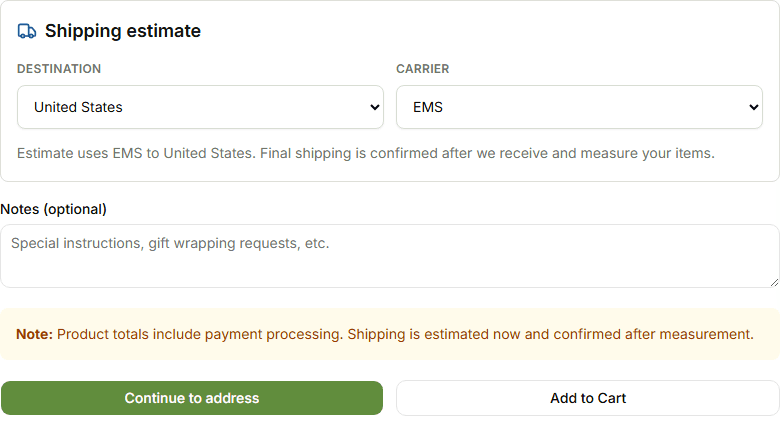
Save the item in your cart, or continue to address when you are ready to move forward.
Start with the product URL and review the preview before you continue.